01 / YOUR PRIVATE PAGES
Big feelings.
Little secrets.
Write freely in a hidden notebook. One secret note is free; Lifetime makes room for more.
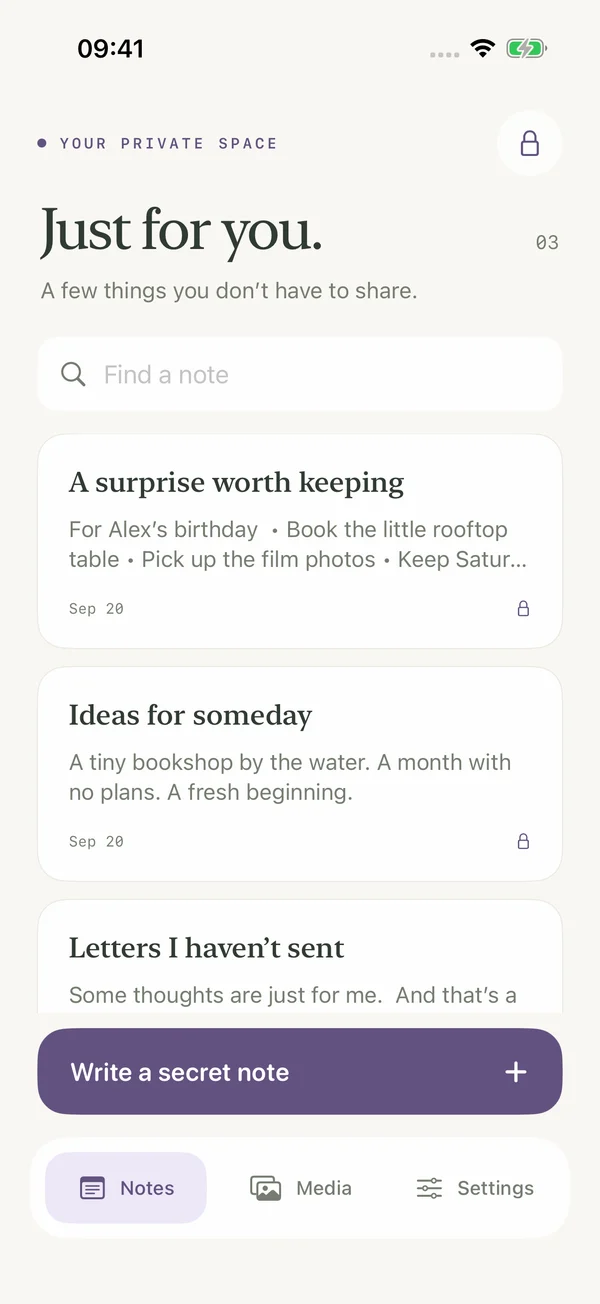
A LITTLE PRIVACY. ALL YOURS.
Everyday lists up front. A private space behind your secret phrase. Keep the thoughts, plans, and memories that are just for you.
Start with one free secret note. More notes and media with Lifetime.
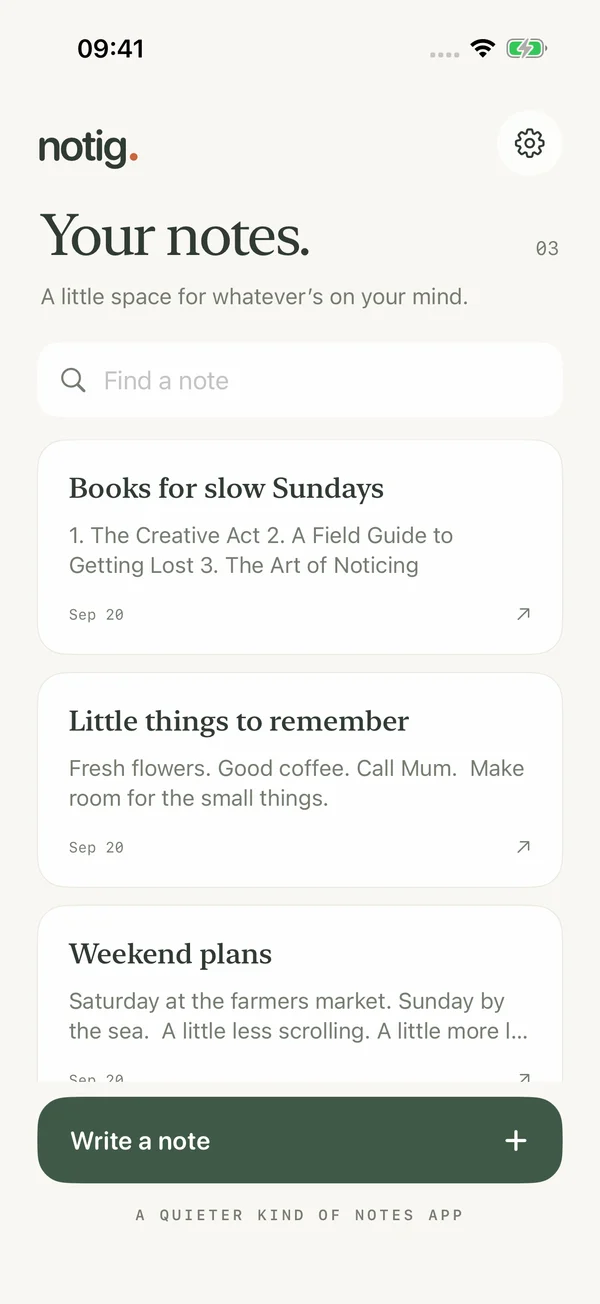
SOME THINGS ARE JUST FOR YOU
The letter you haven’t sent. The surprise you’re planning. The memory you’d rather keep to yourself.
01 / YOUR PRIVATE PAGES
Write freely in a hidden notebook. One secret note is free; Lifetime makes room for more.
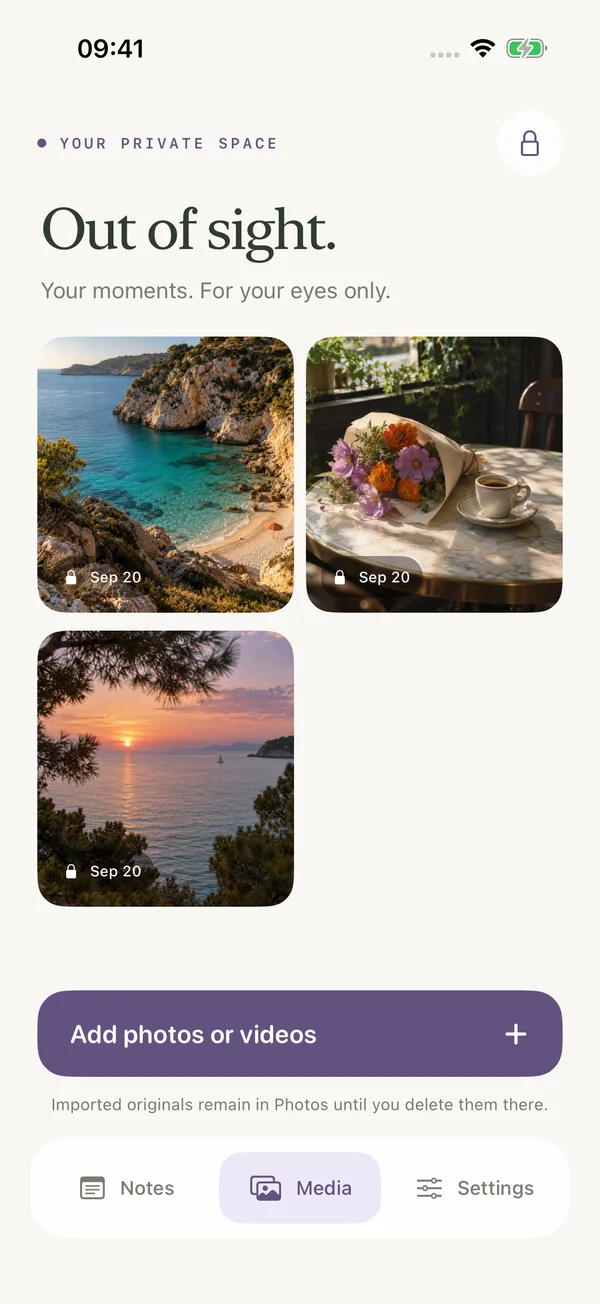
02 / FOR YOUR EYES ONLY
Add photos and videos to your private space with Lifetime. Encrypted and stored on your iPhone.
03 / MAKE IT YOURS
Bold thoughts. Neat lists. A familiar rich text editor for both everyday and secret notes.
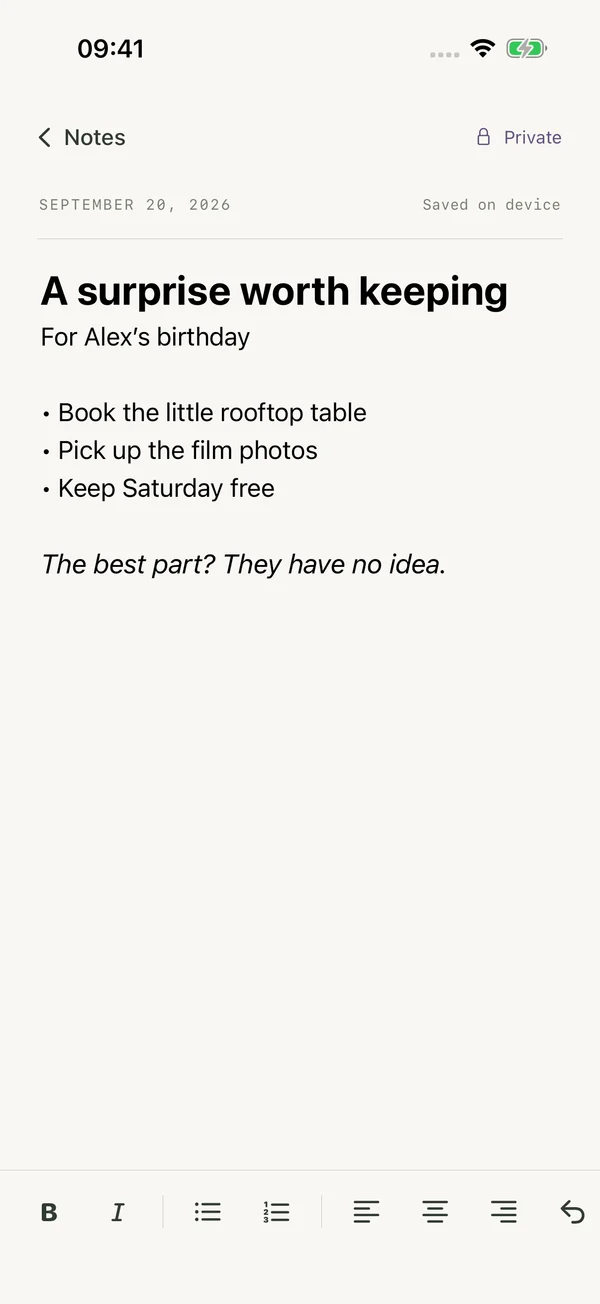
Actual app screens with sample content. Extra secret notes and media require Notig Lifetime.
YOUR PHRASE IS THE KEY
The example is “open sesame” in English and “açıl susam açıl” in Turkish. Your own phrase is case-sensitive.
JUST FOR YOU
The little rooftop table.
The handwritten letter.
A day they’ll remember.
Demo only—nothing is saved or sent. Set your real phrase in the app.

YOUR DEVICE. YOUR PRIVATE SPACE.
There’s no backup or content recovery. Deleting Notig or losing your device can mean losing your notes and media. Forgotten phrases can’t be reset. Purchase restoration restores premium access, not your content.
Read the privacy details →NOTIG LIFETIME
Buy it once. Keep premium access. No subscription, renewal dates, or recurring fees.
A lovely place to start: everyday notes, rich text formatting, and one secret note are free.
 ONE-TIME PURCHASE
$19.99 US · €19.99 Europe*
Lifetime premium. One payment.
*€19.99 in euro-priced European storefronts. Local prices appear in the app before purchase. Storage is limited by your device. No cloud storage or data recovery.
A HUMAN WHEN YOU NEED ONE
Questions, feedback, or help finding your way around Notig? Get in touch.
Email support contact@apps.arslanturk.devInclude your iPhone model, iOS version, and what happened. Please don’t send your passphrase or private notes and media.
Type the exact phrase you chose during onboarding into a normal note. Notig removes the phrase and opens your private Notes, Media, and Settings. If the phrase was the note’s only content, that public note is removed too.
Everyday notes, rich text formatting, and one secret note are free. Notig Lifetime is a one-time in-app purchase for more secret notes and private photos and videos. There is no subscription.
Use Restore purchases in Notig’s settings or paywall while signed in to the Apple Account used for your purchase. This restores premium features. It cannot recover deleted notes, media, or a forgotten phrase.
There is no phrase reset, cloud backup, or content recovery. Deleting the app or losing your device can permanently lose your content. Offloading the app preserves its local data. Keep your phrase somewhere only you can access.
No. Notig makes a separate encrypted copy. Originals remain in Photos or iCloud Photos until you remove them yourself, including from Recently Deleted if appropriate.
Notig is made for iPhone with iOS 18 or later. The app supports English, German, Turkish, Italian, Spanish, French, Polish, and Swedish.
Apple processes payments and refund requests. You can request an eligible refund at reportaproblem.apple.com, subject to Apple’s policies and your legal rights.